MSU Builder (msu.io/builder) is the official platform where Builders can register, manage accounts, and access the tools and resources needed to build within the MapleStory Universe ecosystem. Using the MSU Open API and other resources available through the Builder Center, Builders can create services, tools, and content that connect with MSU’s games, assets, and community.The onboarding process follows these steps:
Step 1. Create a Builder account
Step 2. Enter your app name to get a test API Key instantly.
Step 3. Build and test with your API Key. When you’re ready, apply for live review to increase your API call limit and go live.
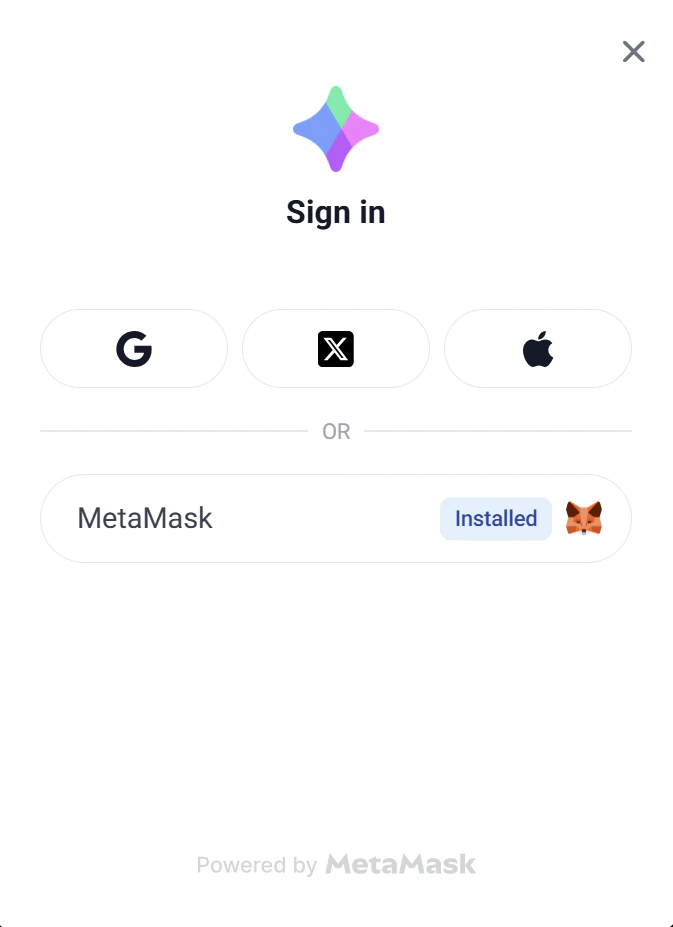
Visit https://msu.io/builder and click the ‘Connect’ button to begin the sign-up process.
Connecting through other MSU services will register a Mapler account, not a Builder account. To sign up as a Builder, make sure to connect through the Builder Center.
Builders can sign up using a MetaMask wallet or a social account (Google, X, or Apple).For detailed instructions on wallet creation and sign-up methods, refer to [Wallet Connect Guide].
Wallets already registered as a Mapler or Builder account cannot be used to sign up. Please use a new wallet that has not been registered with MSU.
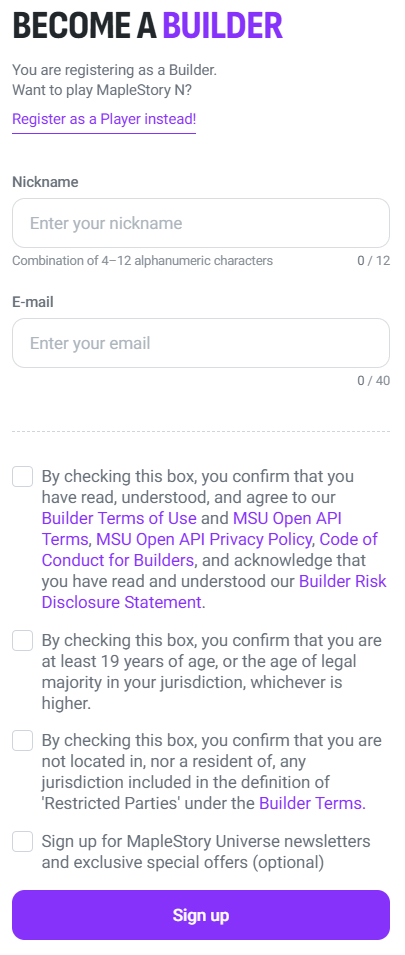
Enter the following: nickname, email address.Review and agree to the terms, then proceed with sign-up.
Email addresses already verified under another MSU Builder account cannot be used. If a duplicate email error appears, the email is already associated with another Builder account. Please use a different email address to sign up.
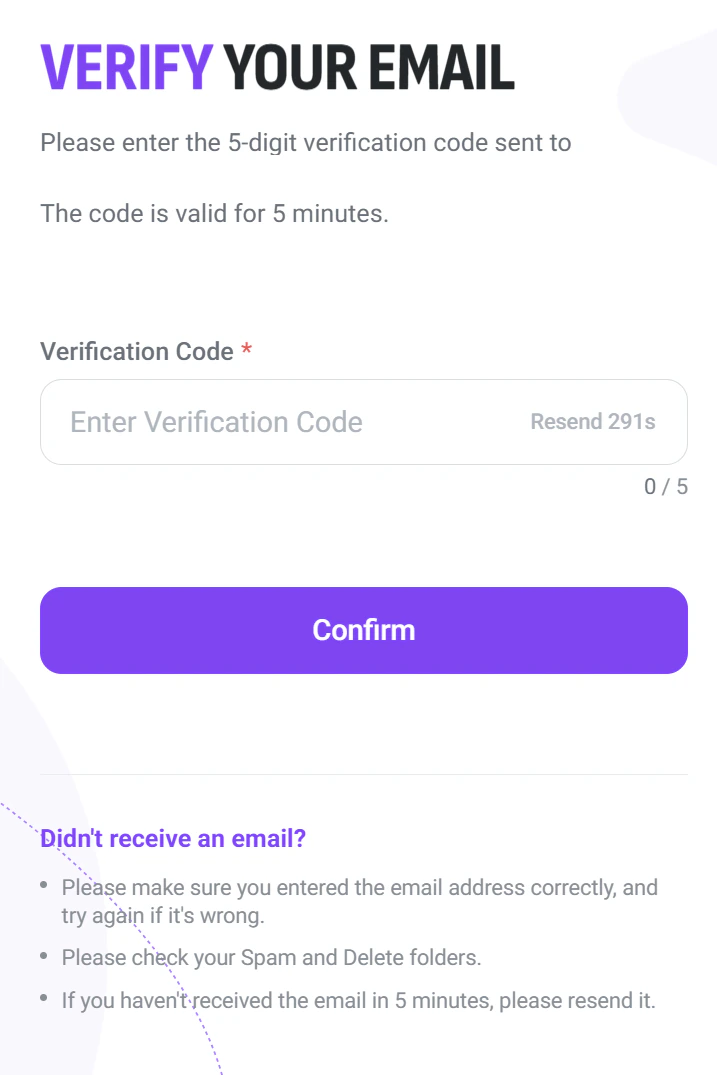
A 5-digit verification code will be sent to the registered email address. Enter the code in the ‘Verification Code’ field and click ‘Confirm.’
The code is valid for 5 minutes. If it expires, click ‘Resend’ to receive a new code.
If the email is not received, check the Spam or Deleted folders and make sure the email address was entered correctly.
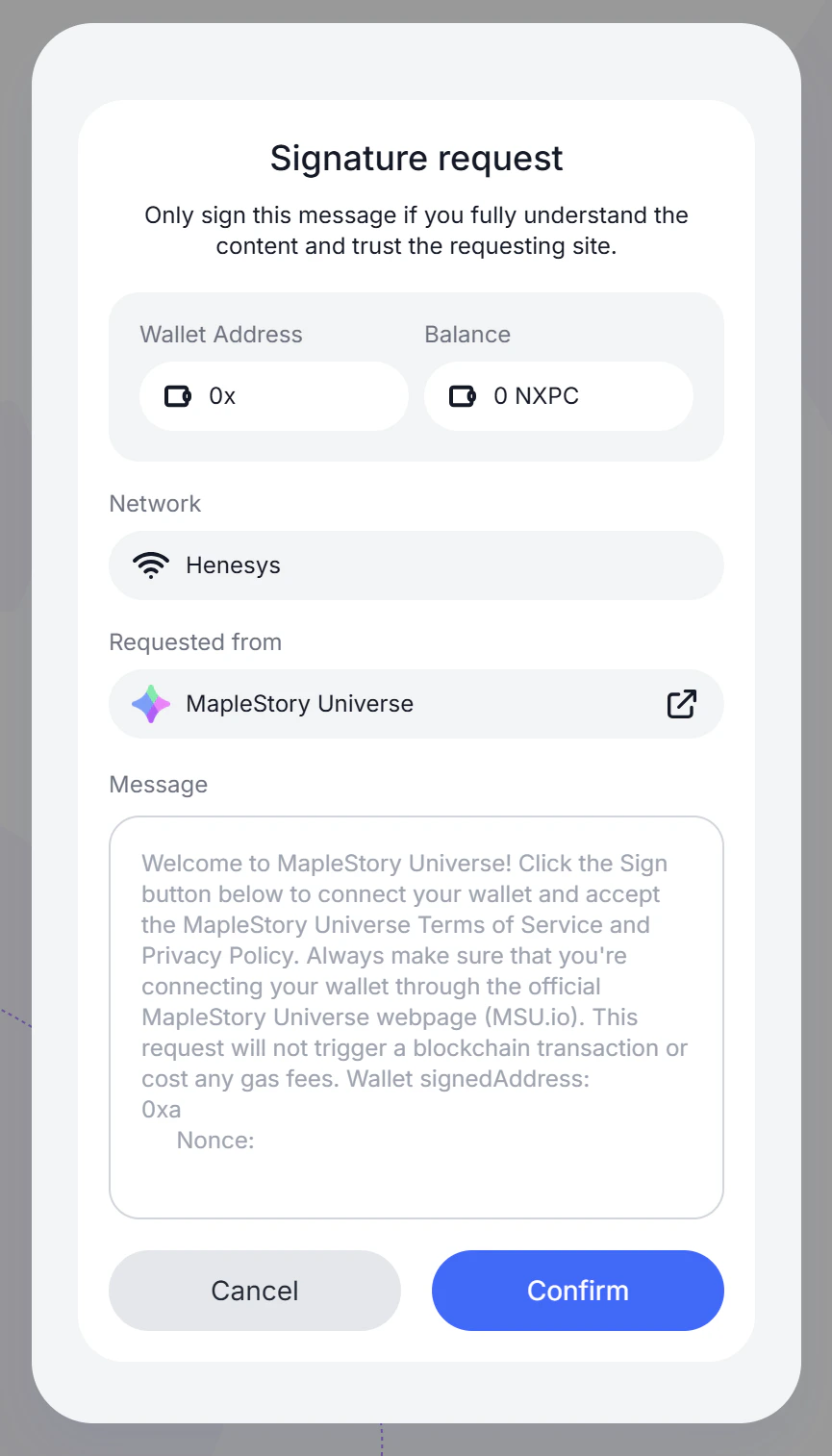
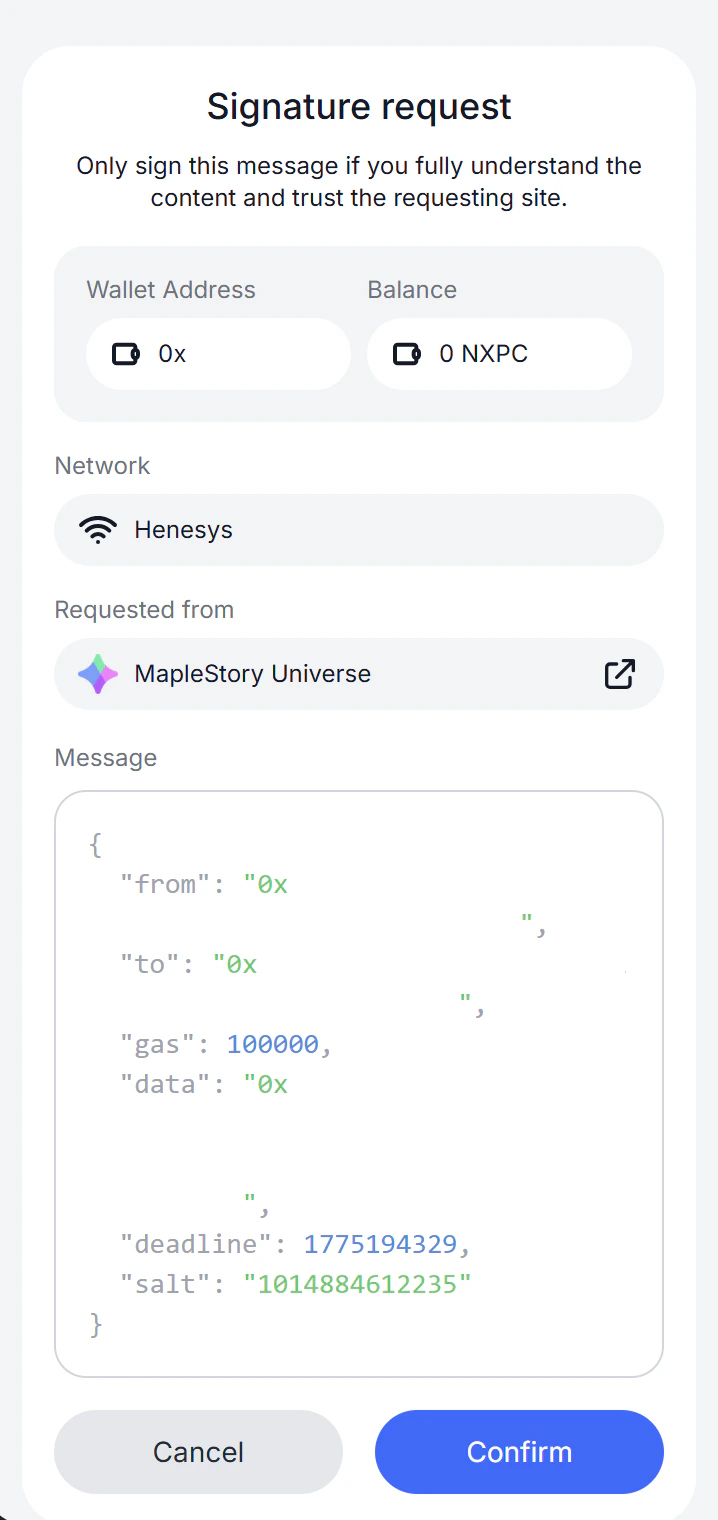
A signature request will appear in the wallet. Review the request details — Wallet Address, Network (Henesys), and the requesting site (MapleStory Universe) — then click ‘Confirm’ to sign.
Only sign this message if the request is from MapleStory Universe (http://msu.io). This request does not trigger a blockchain transaction or incur any gas fees.
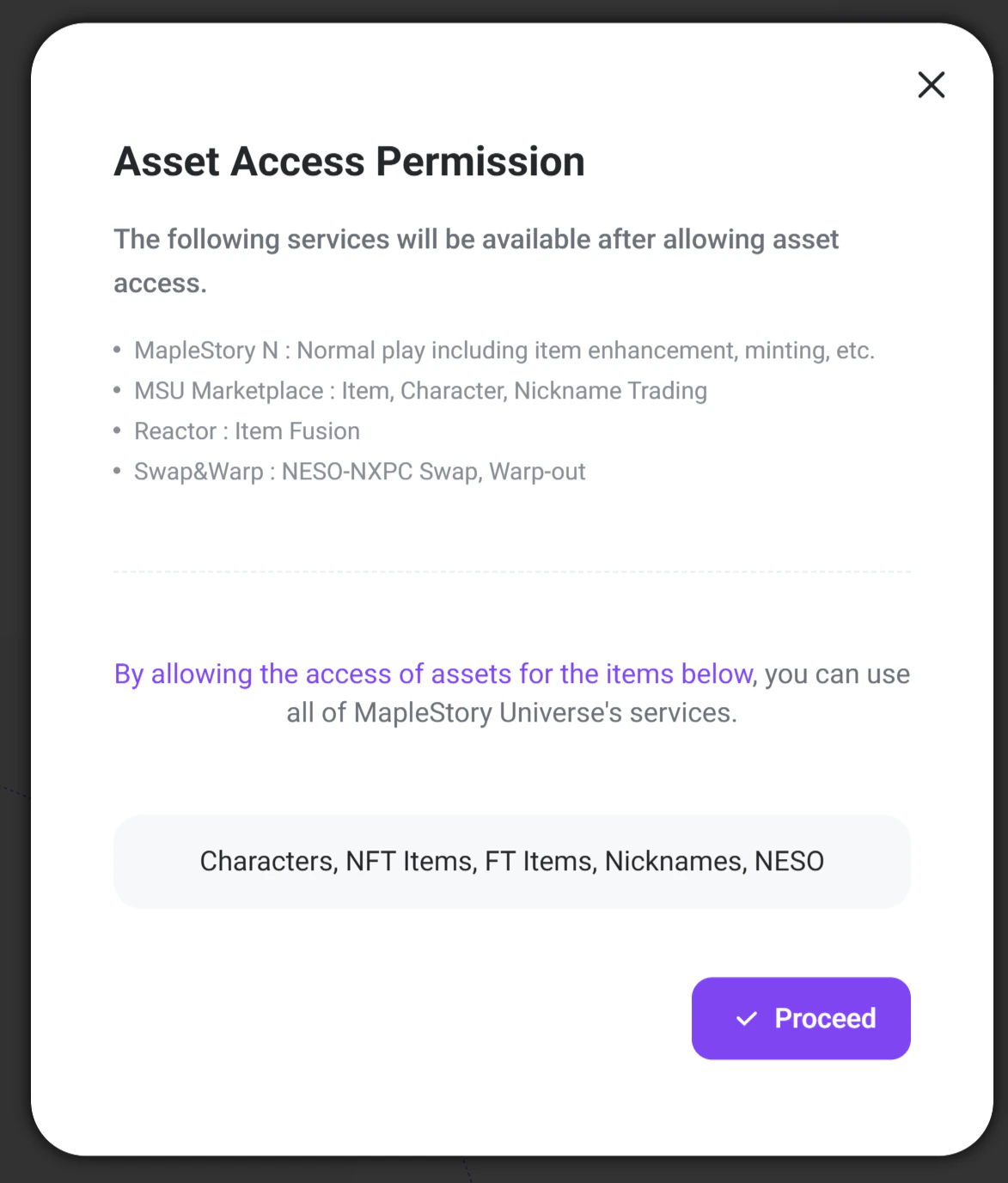
An ‘Asset Access Permission’ popup will appear. This grants MSU services permission to access the following assets in the wallet:• Characters, NFT Items, FT Items, Nicknames, NESOAllowing access enables the following services:
MSU Marketplace: Item, character, and nickname trading
Reactor: Item Fusion
Swap & Warp: NESO-NXPC swap and warp-out
The following services are not available with Builder access:
MapleStory N: Normal play including item enhancement and minting
Once a Builder account is created, Maplers can use key MSU services (MSU Marketplace, Swap & Warp) and register synergy apps to get test API Keys.Up to 5 synergy apps can be registered per account.
Once you create a synergy app by entering its name, a test API Key is issued instantly.You can check the issued key under the ‘API Key’ menu on the app detail page.The test API Key is granted full access to general API scopes and has an expiration date. You can extend it starting 30 days before expiration.
Keep the API key secure. Do not share it publicly or commit it to public code repositories.
The current Builder level and KYC/KYB verification status can be checked at any time on the My Page in the Builder Center.• Visit http://msu.io/builder and log in• Navigate to My Page to view the current verification level and feature access status
Your synergy app can go live once it passes review.Submit your app for live review using the ‘Submit for Review’ button at the top right of the app detail page.Once approved, your API Key’s call limit is increased and the app switches to Live status.Apps in Live status can issue OAuth Credentials.
Assistant
Responses are generated using AI and may contain mistakes.