



1. What is Smithy?
Smithy is a web-based item enhancement app provided within MapleStory Universe. Instead of launching MapleStory N every time you want to enhance items, Smithy brings enhancement directly to your browser on any device. This means you can enhance items anytime, anywhere, with added flexibility that goes beyond the game client experience:- Greater Flexibility: Enhance items from your character’s inventory or your wallet inventory
- No Game Client Required: Exchange Power Crystals and enhance items without launching MapleStory N
- Streamlined Process: The streamlined workflow lets you enhance items faster and more easily
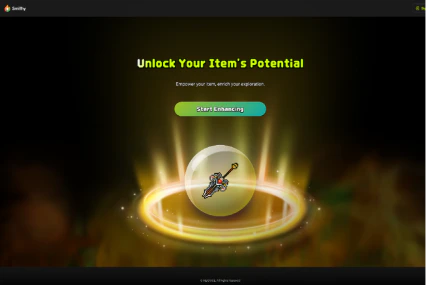
2. How to log in to the Smithy Synergy App
Smithy supports login through your MSU Account. You can log in to Smithy in two ways- Click the “Sign In” button in the upper right corner
- Click the “Start Enhancing” button on the intro page (if not already logged in)
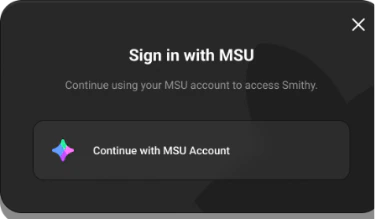
2.1 Signature request for first-time login
When logging in to Smithy for the first time, you’ll see a permission request during the login process. This page explains what actions Smithy will perform. You can cancel the login if you prefer not to proceed.2.1.1 Why Signing Is Required
This signature verifies that Smithy has safe read/write permissions for items and enhancement materials in your wallet, such as NESO and Power Crystal. It’s a simple authentication step. No actual transaction is made.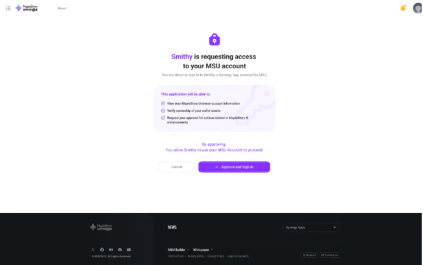
2.2 When already logged in to MapleStory N
Smithy and MapleStory N cannot run simultaneously since they share the same enhancement data. If you’re already logged in to MapleStory N when you try to access Smithy, you’ll see a message asking if you want to log out of MapleStory N first.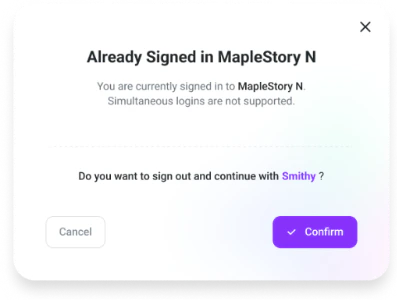
3. Enhancement Inventory
Once you log in to Smithy, click the “Start Enhancing” button to enter the Enhancement Inventory. Here you can view and enhance all enhanceable items. You can also check and exchange Power Crystal, the materials needed for enhancement. Items that can be enhanced through Smithy include- Items owned by your characters (including equipped items)
- Items in your Wallet Inventory
3.1. Character Inventory
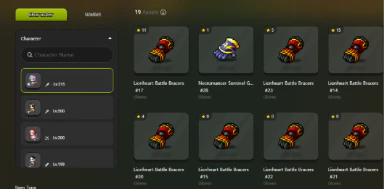
Character Inventory shows items belonging to characters linked to MapleStory N.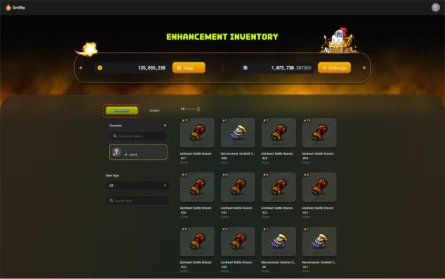

3.2. Wallet Inventory
In Wallet Inventory, you can view all items stored in your wallet. This includes items purchased from the marketplace and items moved from your characters in MapleStory N.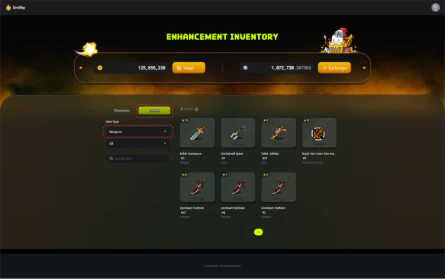
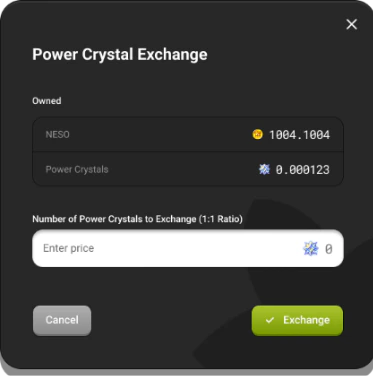
3.3 Power Crystal Exchange

What is Power Crystal?An off-chain material that can be exchanged with NESO at a 1:1 rate.
4. How to enhance in Smithy
When you select an item to enhance from the inventory, you’ll be taken to a screen where you can proceed with enhancement. Smithy uses the same enhancement system as MapleStory N, so the processes and probabilities are identical. Enhancement results are automatically synchronized between both services.4.1 Star Force Enhancement
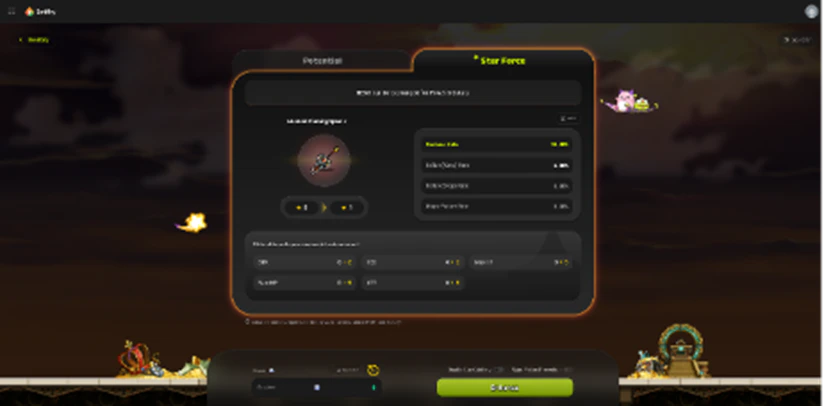

4.1.1 Dynamic Pricing
Enhancement prices in Smithy use Dynamic Pricing, the same system as MapleStory N. Dynamic Pricing is MapleStory N’s unique enhancement pricing system where prices change in real-time based on user enhancement demand. Both Star Force and Potential enhancements follows this system, with prices varying depending on the specific enhancement type. [Learn more about Dynamic Pricing]4.1.2 Star Catch
When you proceed with Star Force enhancement, a mini game called Star Catch automatically starts. This mini game can increase your Star Force success probability. The game gives you 5 seconds to stop a moving star at a specific point by clicking the “STOP!” button. Successfully stopping the star at the correct spot gives you a buff that increases your enhancement success probability.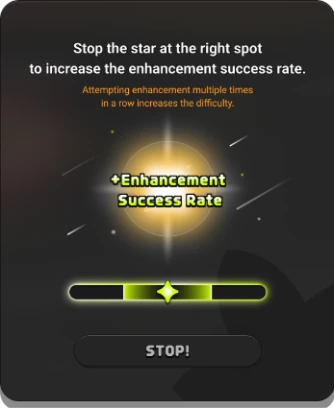
4.1.3 Major Failure Prevention
If your current Star Force grade is 12 stars or higher, enhancement attempts can result in a “Major Failure.” For items between 12-17 stars, you can enable the “Major Failure Prevention” feature to avoid this outcome. However, enabling this feature doubles your enhancement cost, and you’ll see a notice explaining the increased price.
4.1.4 Pop-up Disable
To provide an enhancement experience similar to MapleStory N in-game, Smithy lets you temporarily disable all confirmation messages.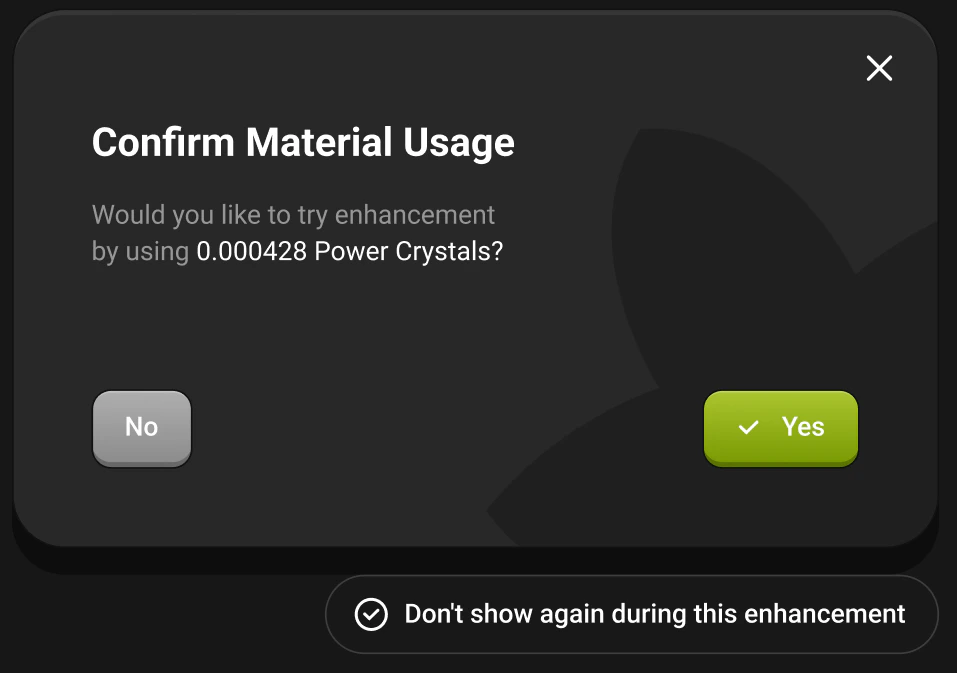
4.2. Potential Enhancement
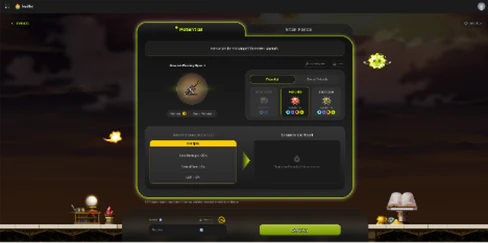
- Potential can be enhanced using Occult Cubes, Red Cubes, or Black Cubes.
- Bonus Potential can be enhanced using Bonus Occult Cubes or Bonus Potential Cubes.
Enhancement probabilities can be checked by clicking the “Probability Info” button. To proceed, select the desired Potential type and the cube item you want to use, then click the “Enhance” button to complete the process.
4.2.1. Memorial Feature
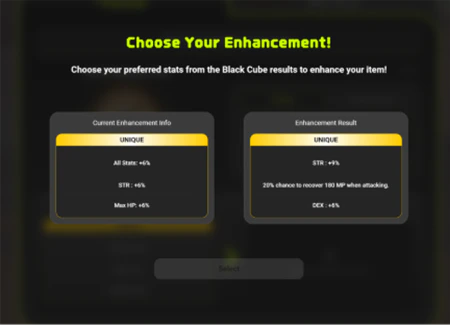
This feature is only available when enhancing with a Black Cube. After a Black Cube enhancement, both the current and new options are displayed side by side.
You must select one to finalize the enhancement.
4.2.1.1. Notes on the Memorial Feature

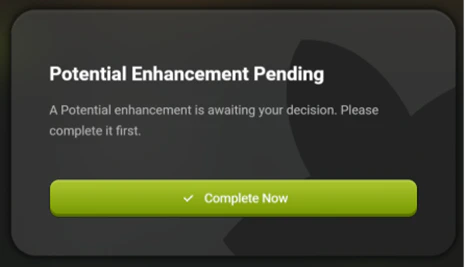
a ‘Potential Enhancement Pending’ popup will appear, prompting you to complete the enhancement first. Until you make a choice and finish the pending Memorial selection, no other items in that inventory can be enhanced.
Make sure to finalize the selection before starting any new enhancement attempts.